
Integrate malware scanning into your application via API
Submit files via API for malware scanning in the background. Use structured scan results to control file release in your application. Blazelock runs the scanners for you.
- High API availability
- Structured JSON results
Submit a file
cURLcurl https://api.blazelock.com/v1/file-scans/sync \
-H "Authorization: Bearer $BLAZELOCK_API_KEY" \
-F "file=@document.pdf" \
-F 'attributes={"file_name":"document.pdf"};type=application/json'Teams trust Blazelock to keep file uploads free of malware.
You build your application. We run the scanners.
Malware scanning takes more than connecting a scanner. Blazelock handles infrastructure, maintenance and ongoing evaluation of scan engines through a single API.
No scanners to operate
Blazelock runs and maintains the scanning infrastructure for you. You don’t need to build scanner clusters, update signatures or maintain systems.
Leading scan engines
We use scan engines from leading providers. At the Blazelock Security Lab, we continually assess detection quality, false positives and performance.
Quick to integrate, ready to scale
Add malware scanning to your application through a single API. Blazelock runs and scales the scanning infrastructure as your scanning needs grow.
How a malware scan works via API
An API call starts the scan. The structured scan result shows whether malware was detected and includes additional information about the file.
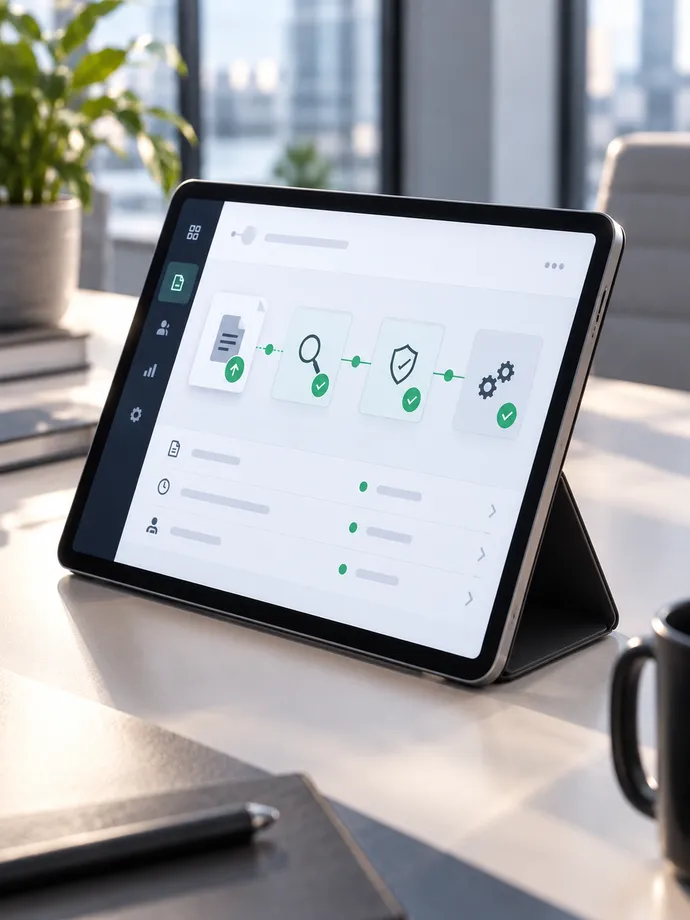
Submit a file: Your application sends the file to Blazelock in an authenticated API call.
The file is scanned: Blazelock scans the file for malware. The scan runs on Blazelock’s infrastructure in the EU.
Process the result: Your application receives the result directly as JSON or a notification via webhook.
The Malware Scanning API in detail
Choose the right scan mode, process results automatically and keep track of API calls and access.
Flexible scan modes
Receive results synchronously, or scan asynchronously for background workflows and larger files.
Compare scan modesStructured scan results
Process scan status, threats, file hashes and other file information automatically as JSON.
Explore scan resultsWebhook notifications
Notify your application with signed webhooks when scans are submitted, completed or fail.
Explore webhooksClear activity logs
Track API calls, response times, status codes, webhook deliveries and delivery attempts in the dashboard.
Explore API logsSecure API keys
Create keys for each application and environment. Rotate or revoke them in the dashboard.
Explore API keysBuilt for existing systems
Integrate via REST and OpenAPI. Use reference IDs to link scans to files and operations in your system.
Plan your integration
Your first scan in a few steps
Create your API key and submit your first file. Our code examples and quickstart guide take you from setup to your first scan result.
Try it directly
Use your API key and a test file of your own.
Explained step by step
The quickstart walks you through setup and your first request.
Malware protection for your file workflows
Integrate malware scanning wherever your applications receive, process, or share files. Blazelock operates the scanning infrastructure for you.
User uploads
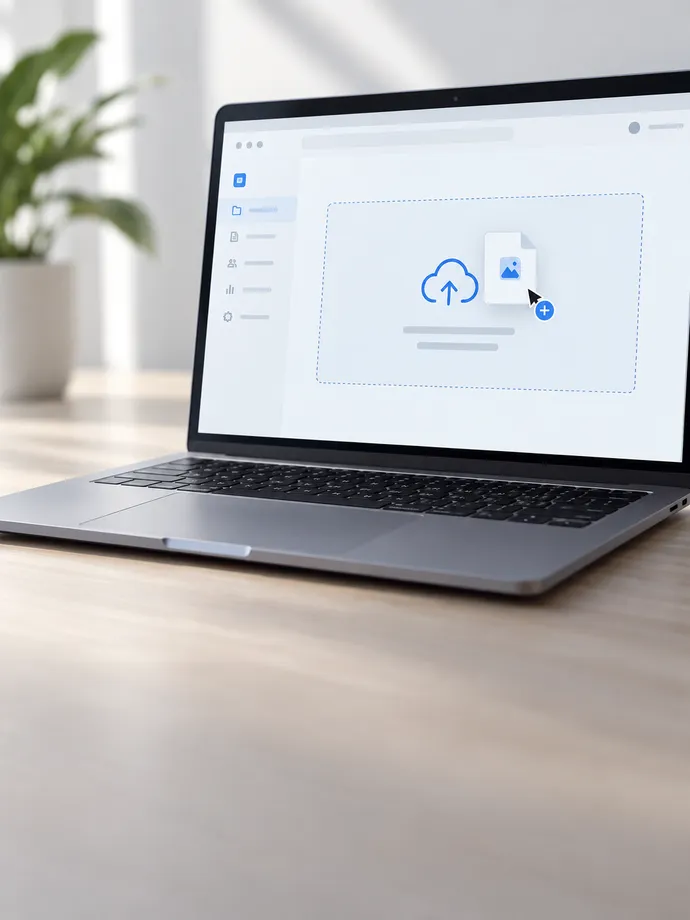
Scan user uploads for malware before your application stores or processes them.
Ticket attachments
Integrate file scanning into your support system before staff open or process attachments.
Customer & partner portals
Scan documents submitted through your portals for malware before they enter your workflows.
File sharing
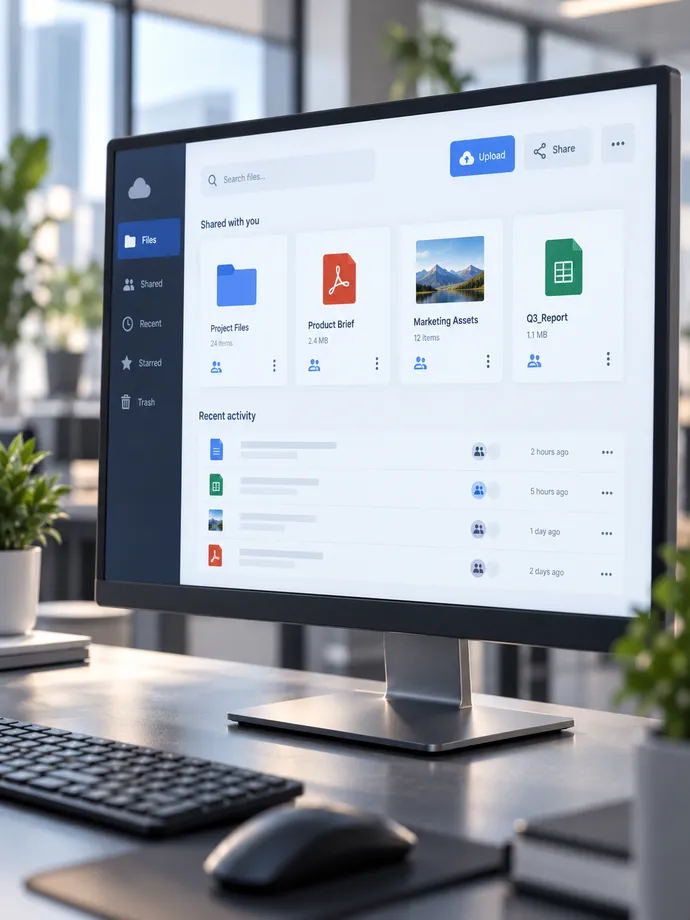
Scan files for malware before sharing them or making them available to other users.

Still have questions?


Enterprise-level security
Security is not an extra. We run the scanning infrastructure ourselves and stay transparent about data handling and operations.
- Read about security
Made in Germany
Headquarters in Herford. Our platform is developed in Germany and designed to be GDPR-compliant from the start.
- Check system status (Opens in a new tab)
Hosted in Europe
Scanning runs on our own infrastructure in Europe, with servers in Germany.
- Read our compliance
Leading scan engines
We run scan engines from market-leading providers and keep evaluating them for detection quality and false positives.
Trust from the field
Direct feedback from teams that protect their file uploads from malware with Blazelock.
We hadn’t found anything before that met our quality standards while still being this easy to integrate. With Blazelock, malware scanning runs automatically without us having to operate our own scanning infrastructure.

Tim Dreier
Founder & CEO, hostware GmbH

Frequently asked questions
When you host your own scanner, you also take on operations, signature updates, maintenance, and scaling. Blazelock handles these tasks and provides malware scanning through an API. We also continually evaluate the scan engines we use for detection quality, false positives, and performance.
With synchronous scans, your API request waits for the result. With asynchronous scans, you first receive a scan ID while the scan continues in the background. You can then retrieve the result or receive a webhook notification when the scan is complete. Asynchronous scans are particularly well suited to background processes and larger files.
The API supports files up to 10 MB for synchronous scans and up to 100 MB for asynchronous scans. The right mode depends on whether your application should wait for the result or can have the file scanned in the background.
Blazelock scans your files on its own scanning infrastructure in Frankfurt am Main, within the EU. Files are deleted immediately after scanning and are not used for testing or to train scan engines. Your files are not shared with engine providers.
API requests are sent exclusively over HTTPS and authenticated with an API key. You can create, rotate, and revoke your keys in the dashboard. Each webhook delivery includes a signature and a timestamp that your application can use to verify the message’s origin and integrity.
Still have questions?
Protect every upload before it becomes a problem.
We run the scanner infrastructure. Blazelock is straightforward and fast to connect.